[MYTVOnline 4] How to hide or unhide sensitive categories

Last updated: Jul 28, 2026
809
views

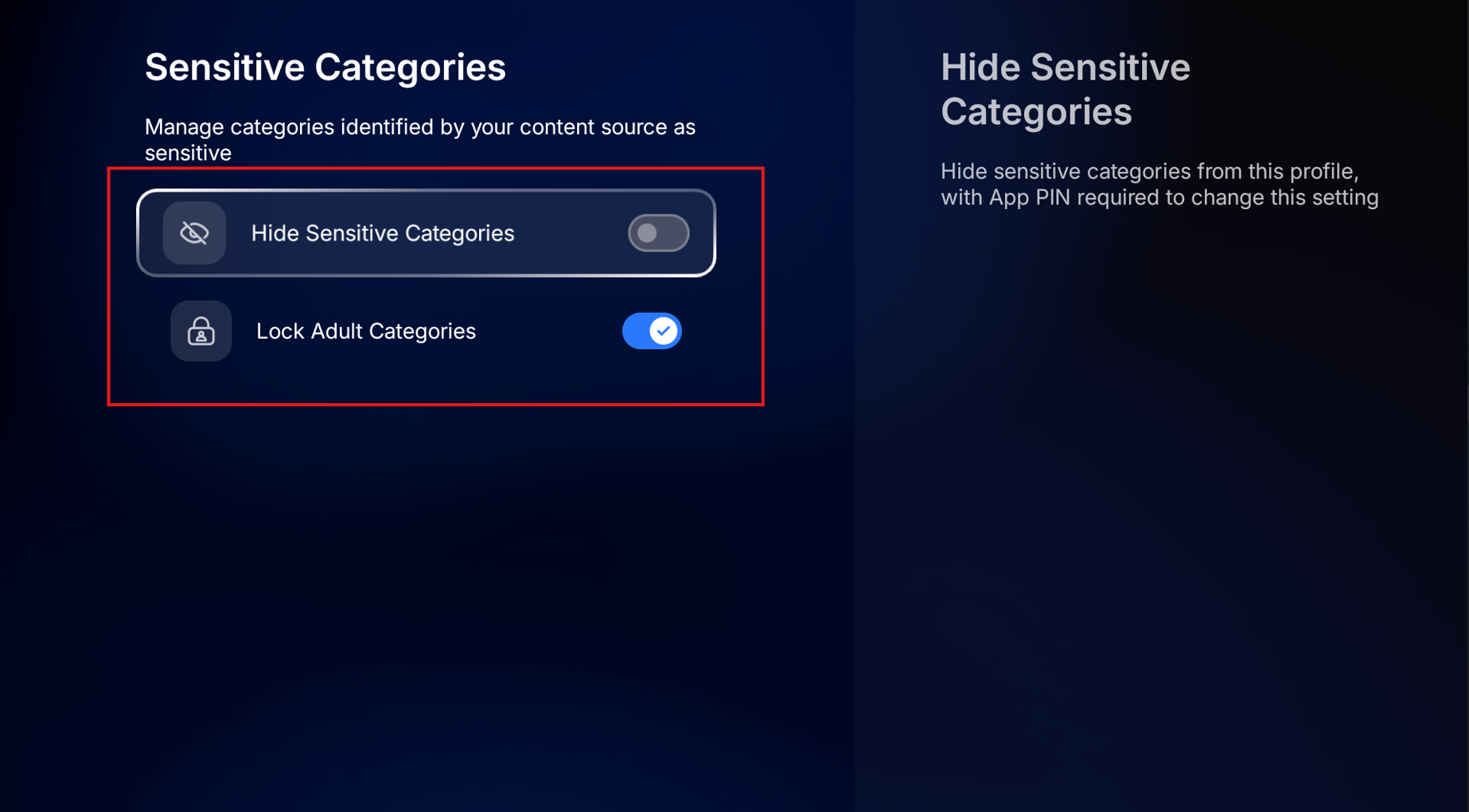
If you want to block sensitive categories on MYTVOnline 4, follow the steps below. You can also check the settings below to if you are not able to see sensitive contents:
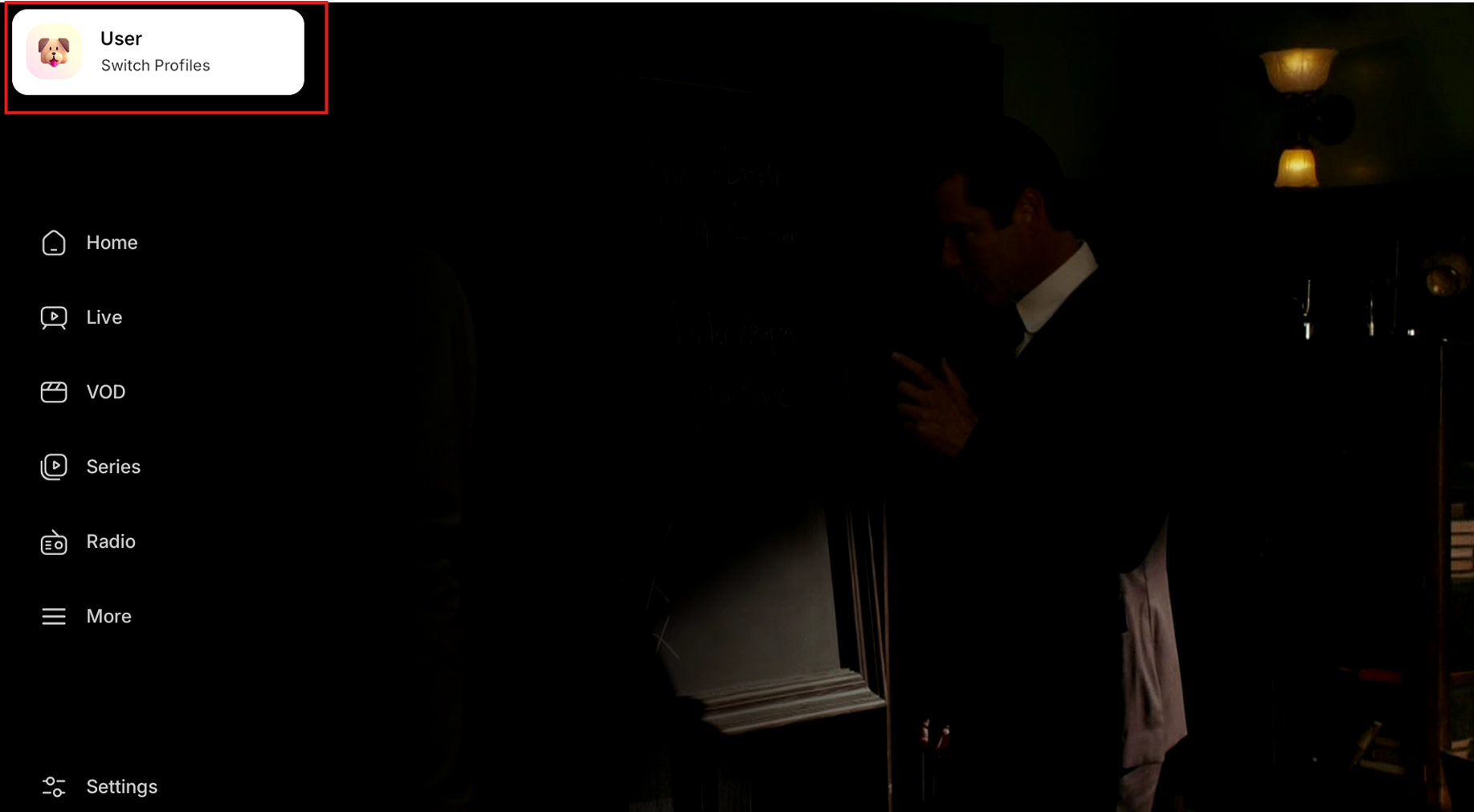
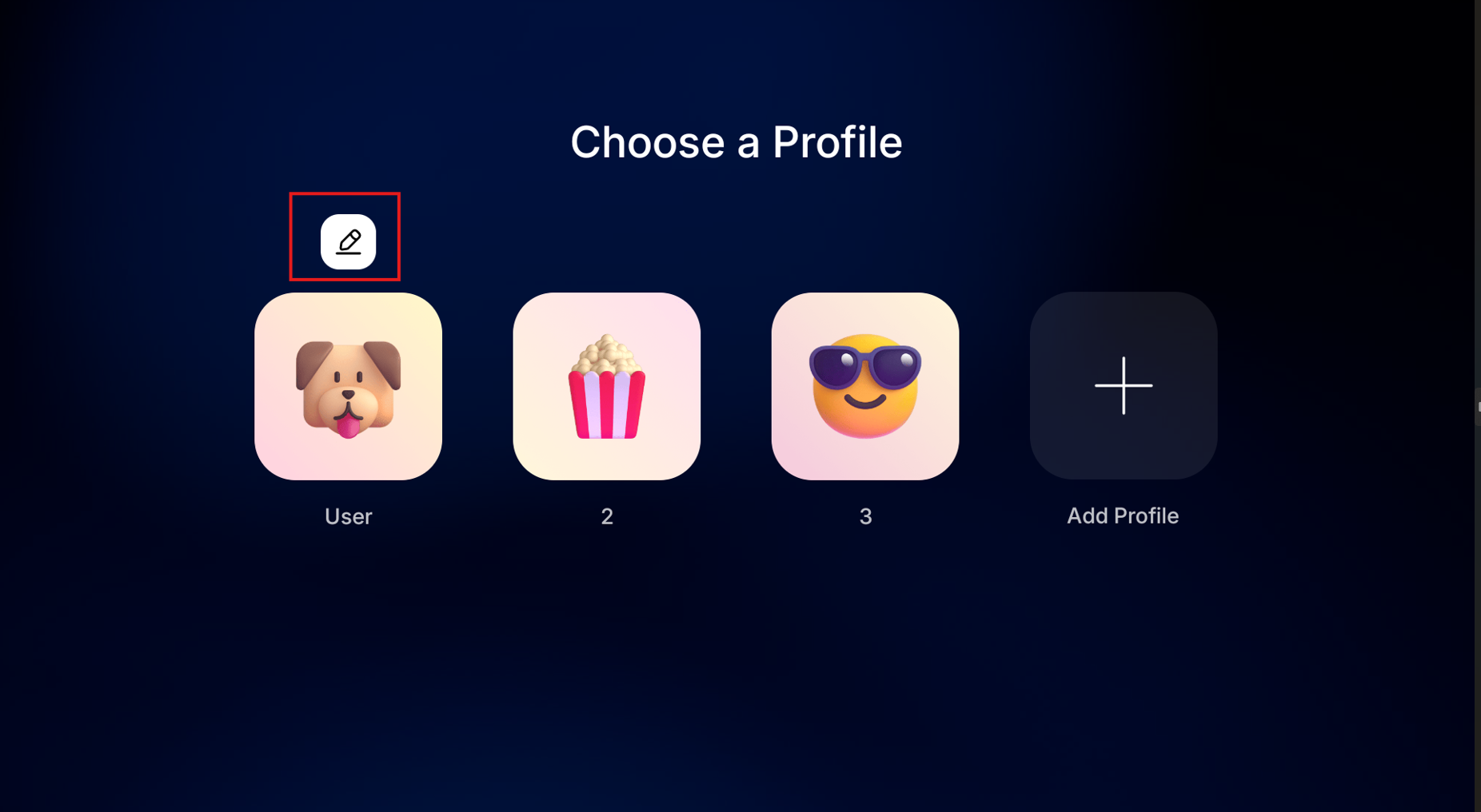
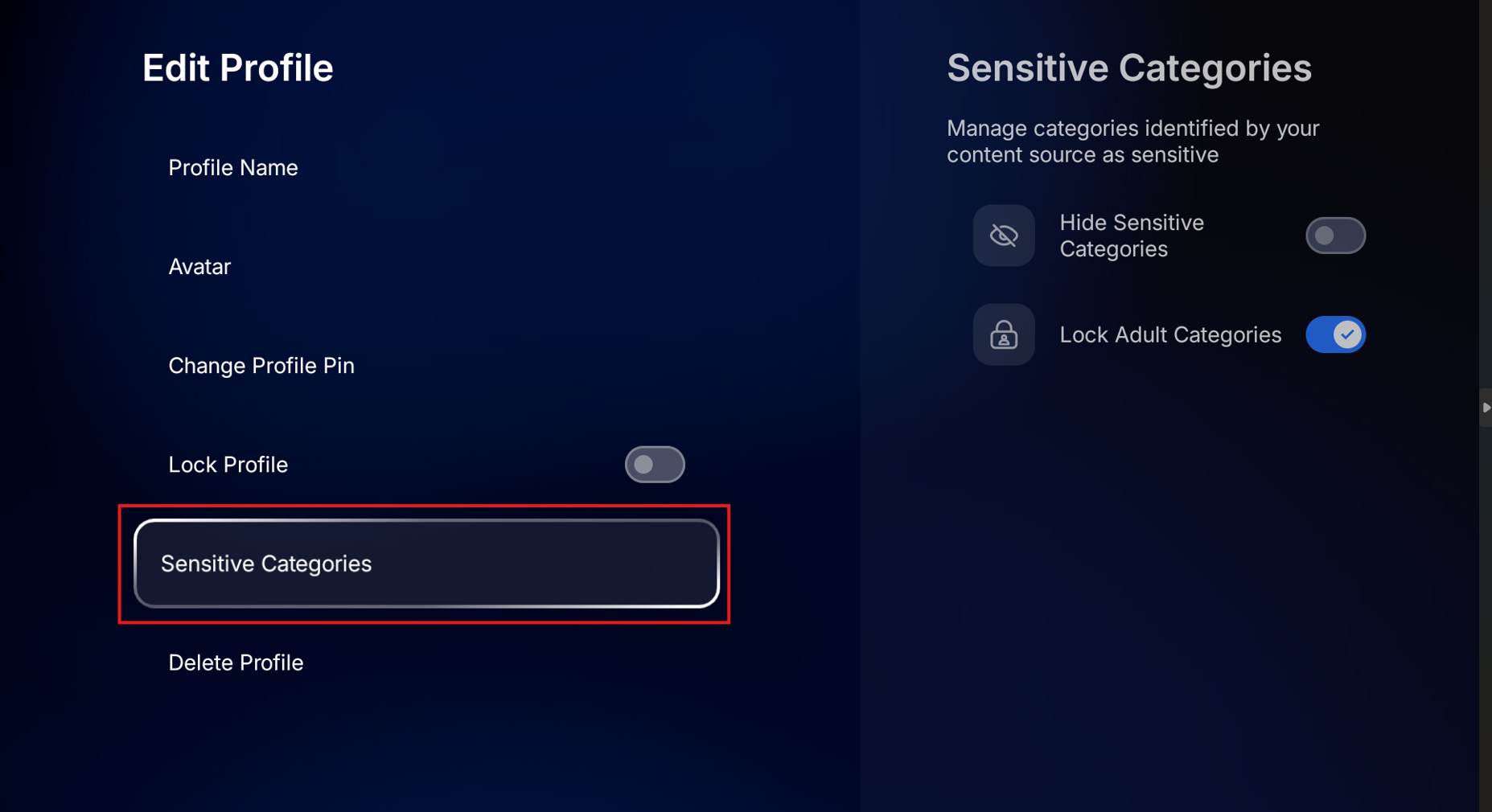
MYTVOnline 4 > Menu > User Icon (at the top) > edit icon > Sensitive Categories > disable or enable the options depending on your preferences.
You can also refer to the images below:
1.
2.
3.
4.