


If you are using a Formuler device, you can use the export portal feature to easily connect the same portal to the MYTVOnline+ application.
*Please be advised that this feature may not be available if your IPTV service provider does not support it.
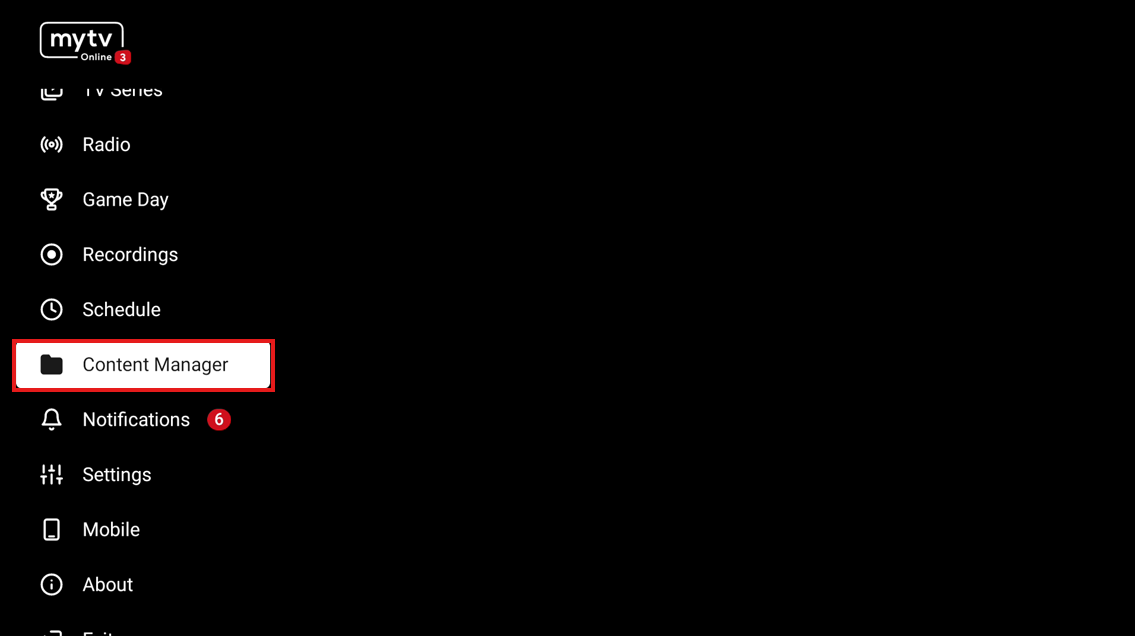
1. Open MYTVOnline 3 and go to Content Manager in the Menu tab.
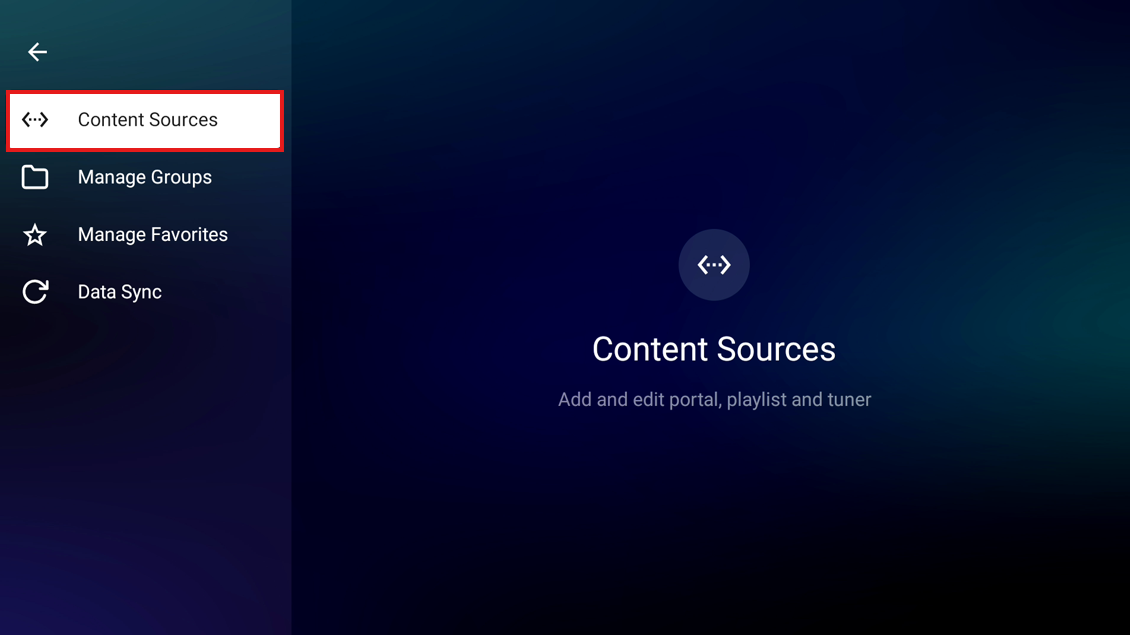
2. Go to Content Sources
3. Choose the portal you wish to export, and press 'Export Portal Data.' Then, a page with the QR code will show up

4. On your mobile device, access 'MYTVOnline+ > Settings (top right) > Cotent Sources > Click QR Scanner (top right)' and scan the QR code.

IF this doesn't answer your doubts or you want to search more information,
Please take a look at threads in our forum FORMULER FORUM Or click TAGS on the right side of this page.

